Claude Code Ruined My Workflow (In the Best Way) file
I've been writing code for about eight years. I have opinions about my editor. I have a terminal setup I've tuned for months. I have a workflow that I've defended in team retrospectives with the energy of someone protecting a firstborn child.
Claude Code dismantled most of it in about two weeks.
I don't say that as a complaint. I say it the way you might describe the first time you used a dishwasher after years of washing by hand — a brief, uncomfortable recognition that you'd been spending effort in the wrong place.
What It Is, Quickly
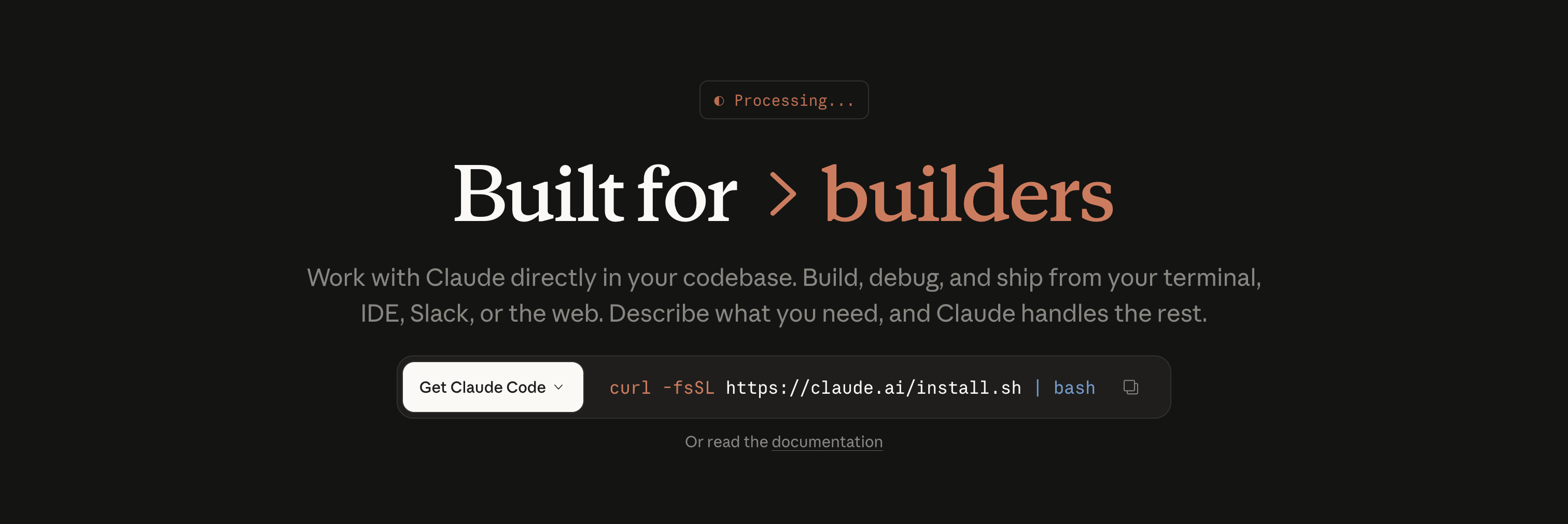
Claude Code is Anthropic's agentic coding tool — a CLI-first AI assistant that runs in your terminal, has direct access to your filesystem, and operates inside your actual project rather than a sandboxed playground. You give it a task. It reads your code, plans an approach, makes changes, runs commands, checks the output, and iterates. You stay in the loop at whatever level of involvement you choose.
It uses Claude — Anthropic's model — under the hood, which matters because Claude has consistently shown stronger performance on long-context reasoning tasks than most of its contemporaries. When your codebase spans dozens of files and the task requires understanding how they relate, that context window and that reasoning quality make a tangible difference.
The First Real Test
I threw Claude Code at a problem I'd been avoiding for three weeks: migrating a Vue 2 component library to Vue 3 Composition API. It wasn't technically hard — it was just tedious, repetitive, and the kind of work that drains the part of your brain you'd rather spend on interesting problems.
I described the task. It asked one clarifying question — whether I wanted to preserve the Options API as a fallback or go pure Composition. I said pure Composition. Then it:
- Scanned the component directory and built a migration plan
- Started with the lowest-dependency components first
- Refactored each file, running the test suite after every batch
- Paused at two components where the behaviour was ambiguous and asked what I wanted
That last point is worth dwelling on. It didn't guess. It didn't silently make a decision that would bite me later. It stopped, explained what it was uncertain about, and asked. The two interruptions in a 47-file migration were both genuinely the right moments to interrupt.
The whole thing took about 40 minutes. I'd budgeted two days.
How the Loop Actually Feels
The mental model shift Claude Code requires is subtle but important. You're not writing code with AI autocomplete. You're directing an agent through a task — which means your job becomes more about specification quality and less about implementation detail.
Here's what a typical session looks like for me now:
# Start a session in my project root
claude

# Give it a task with enough context
> Add a reading progress bar to the ArticleView component.
> It should be a 2px fixed bar at the top using --color-primary.
> Update on scroll. Respect prefers-reduced-motion.

# Claude reads the relevant files, writes the code,
# and shows you what it's about to do before executing
What comes back isn't just a code snippet to paste — it's the actual file, modified, with the change integrated into the existing patterns it found in your codebase. It matched my CSS variable naming. It used my existing scroll event listener pattern. It added the prefers-reduced-motion check without being reminded.
That last detail is the thing that gets me every time. It reads the implicit standards of your project and writes to them.
The Dangerous Part
Here is my honest warning about Claude Code: it will make you dramatically less tolerant of slow, manual work.
This is dangerous not because the tool is unreliable — it's quite reliable — but because the calibration of "what's worth doing manually" shifts rapidly. After two weeks, I caught myself feeling mildly resentful about having to write a database migration file by hand. That resentment is irrational and slightly embarrassing, but it's real.
The broader risk is de-skilling in the areas you delegate most aggressively. If Claude Code writes all your boilerplate, your tests, and your refactors — and you never read the output carefully — you accumulate working code you don't fully understand. This is not a new problem (Stack Overflow created it years ago), but the speed and volume at which Claude Code produces output accelerates it considerably.
The discipline I've landed on: I review every change before it's committed. Not just glance — actually read. This slows things down slightly but keeps the understanding intact. The tool is doing the typing; the thinking still has to be mine.
Where It's Still Rough
No tool review is complete without honest friction points:
Cost adds up. Claude Code's token consumption on a large codebase task is substantial. A complex multi-file refactor can burn through API budget that makes you briefly reconsider whether to just write the thing yourself. The rate limits on Sonnet vs. Opus tiers matter if you're using it heavily.
It can be confidently wrong. On ambiguous architecture questions, Claude Code will sometimes pick an approach that's technically valid but not the right fit for your project's patterns. If you don't catch it in review, you've inherited a style inconsistency. The fix is always the same: more specific initial instructions.
Terminal-first UX has a learning curve. If you're accustomed to GUI-based AI tools, the CLI interface feels spartan initially. There's no progress bar for long-running tasks beyond text output. You learn to read the output carefully — which is probably a good habit anyway.
The Right Mental Model
I've settled on thinking about Claude Code the way a senior engineer thinks about a skilled but junior colleague: trust it with implementation, stay involved in design, review everything before it ships.
The senior engineer doesn't redo the junior's work. They set clear direction, check the output, and course-correct when needed. That relationship is productive precisely because the senior doesn't abdicate judgment — they redirect effort.
Claude Code is exceptional at the parts of coding that consume time without requiring much creative thought: boilerplate, test coverage, refactoring to a pattern, documentation, dependency migration, linting fixes. These are real tasks that real projects need done. Offloading them doesn't make you less of a developer. It makes you the kind of developer who can move faster without accumulating debt.
One Month Later
My Vue + PocketBase blog — the one I wrote about last week — would have taken me twice as long without Claude Code. The reading progress bar, the table of contents generator, the category chip filter, the skeleton loaders for the article grid — I specified them, Claude Code implemented them, I reviewed and adjusted.
The code is mine. I understand it. It fits the project.
It just didn't take as long to exist.
Tags: claude-code, ai-tools, developer-workflow, vue, productivity, anthropic