[object Object]
Cloud AI changed how developers work. Local AI agents are changing where that work happens.
For the last few years, the default AI workflow looked simple: open a browser tab, paste a prompt into a cloud chatbot, copy the answer back into your editor, and hope it fits your project. It was useful, but it always felt slightly disconnected from the real work.
Now the trend is moving in a different direction. Developers want AI that lives closer to their files, terminal, browser, notes, and deployment scripts. They want assistants that can inspect a repo, run tests, edit files, remember preferences, and automate the boring parts without sending every tiny action through a remote SaaS product.
That is why local AI agents are having a moment.
What Makes an Agent "Local"?
A local AI agent does not always mean the language model itself runs on your laptop. Sometimes it does, through tools like Ollama, LM Studio, or llama.cpp. But the important part is this: the agent runtime runs under your control.
That runtime can:
- Read and write files on your machine
- Run terminal commands
- Use your local developer tools
- Access private project context
- Store memory locally
- Connect to APIs you approve
- Route prompts to local or cloud models depending on the task
In other words, the intelligence may come from different models, but the workflow belongs to you.
Why Developers Are Moving This Way
The biggest reason is not hype. It is friction.
Cloud-only assistants are great for questions, but development work is not just questions. Real development requires context. The assistant needs to know your framework, your scripts, your branch, your failing test, your deployment target, and your conventions.
Local agents reduce that gap because they can sit directly inside the environment where the work happens.
Instead of saying:
Here is my error, what should I do?
You can say:
Fix the failing test, verify the build, and summarize the change.
That is a completely different workflow.
Privacy Is Also a Big Deal
Developers work with private repos, API keys, customer data, environment files, internal docs, and half-finished ideas. Sending everything to a hosted tool is not always acceptable.
A local agent gives you more control over what leaves your machine. You can keep sensitive context local, redact secrets, or use a local model for private tasks and a frontier model only when you need deeper reasoning.
This hybrid approach is probably where the market is heading: local control, flexible model routing.
The New Developer Stack
A modern local AI setup often looks like this:
- Editor: VS Code, Cursor, Zed, Neovim, or JetBrains
- Local models: Ollama, LM Studio, llama.cpp
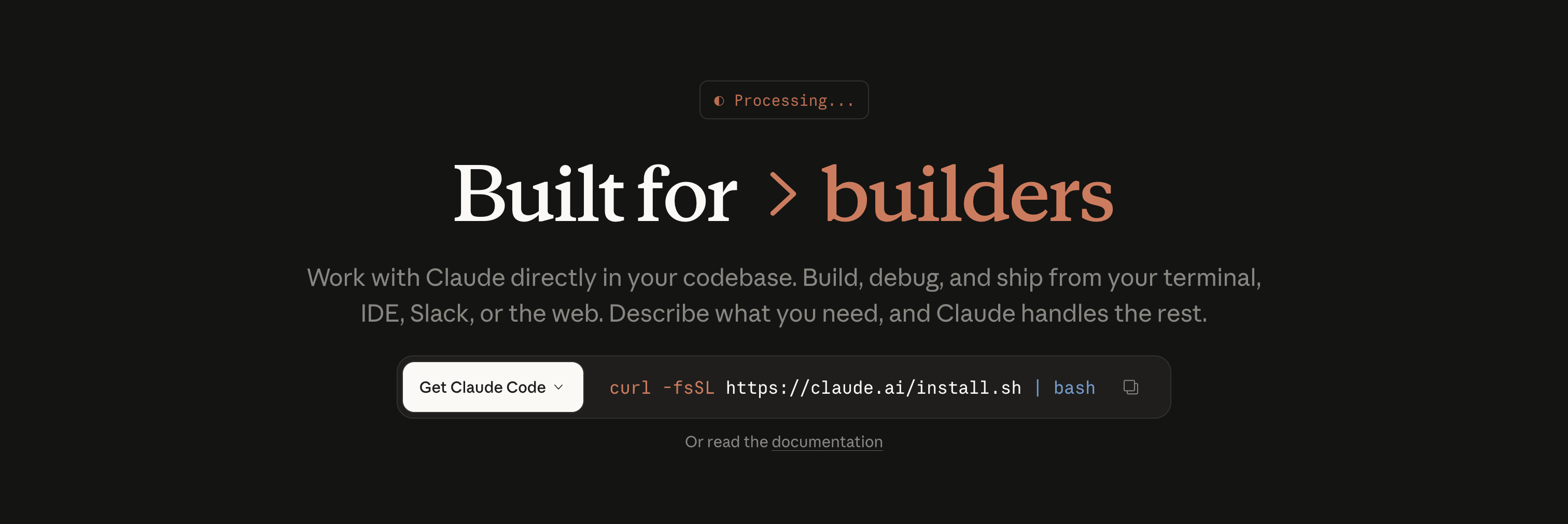
- Agent runtime: Claude Code, Codex CLI, OpenCode, OpenClaw-style systems
- Tools: shell, browser automation, git, file search, test runners
- Memory: project notes, reusable skills, coding preferences
The model is no longer the whole product. It is one component in a bigger workflow.
The Trade-Offs
Local agents are powerful, but they are not magic.
They can break things if you give them too much access. They need good permissions, good verification steps, and clear boundaries. Local models also still lag behind frontier cloud models on hard reasoning tasks, especially when the context gets huge.
The best setup today is not "local only" or "cloud only." It is local-first.
Use local tools for control, context, and automation. Use cloud models when the task genuinely needs stronger reasoning.
Final Thoughts
The rise of local AI agents is not about replacing cloud AI. It is about moving AI from a separate website into the actual developer environment.
That shift matters. Once your assistant can read the repo, run the tests, update files, and remember how you like to work, it stops feeling like a chatbot and starts feeling like part of the stack.
Developers are not just asking AI for answers anymore.
They are giving it work.